
If PostHog’s transparent pricing still feels complex in practice, you’re not alone. After dozens of PostHog implementations, here’s a clear friendly guide to how pricing actually works, what drives your bill, and how to estimate and control costs.
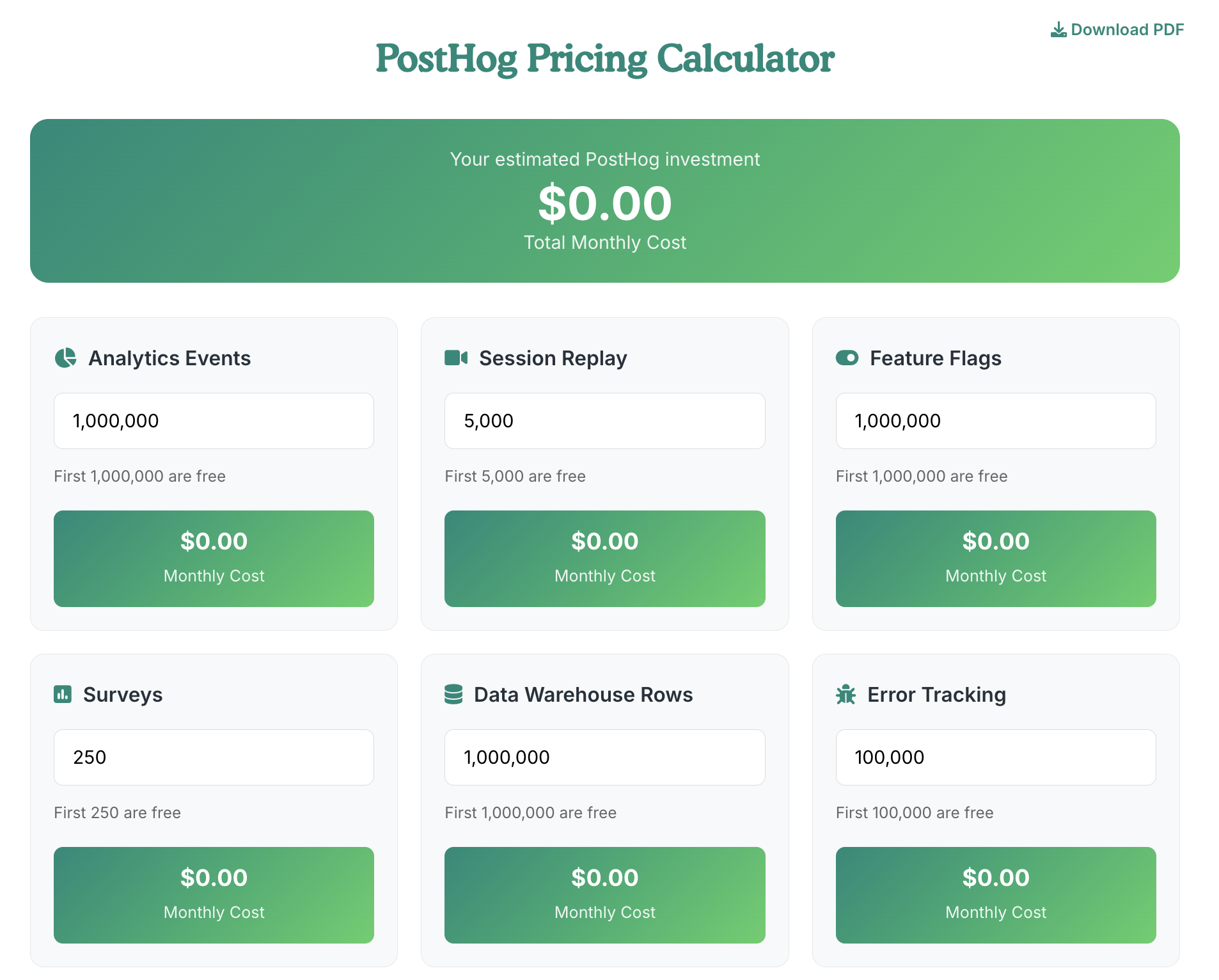
If you want to estimate how much would cost based on your needs we made a PostHog Pricing Calculator
TL;DR What you need to know about PostHog Pricing
- PostHog charges primarily by events. You get 1,000,000 events free each month.
- Two core event types: anonymous and identified. Both count toward your total.
- The biggest “gotcha” is Session Replays. They’re powerful but can get expensive fast.
- Add‑ons like Boost are affordable quality-of-life upgrades. Feature Flags and Surveys are usually cheap.
- Simple way to estimate: users × 20–50 events per user per month. Start with 50 for a conservative budget.
- For many teams, monthly PostHog costs land under $1,000, especially if you keep replays in check.
How PostHog Works (and Why It Matters for Pricing)
PostHog unifies your website and product analytics so all events flow into one place, then routes them to ad platforms, dashboards, automations, or your warehouse.
You pay based on the volume of events you send plus any optional features you enable.
- Website analytics: events from visitors on your marketing site.
- Product analytics: events from people using your app or product.
- All that data flows into PostHog and can be sent onward to ad platforms, dashboards, automations, and warehouses.
- Pricing follows the volume of events you send and specific optional features you turn on.
The Core Unit: Events
If you remember one thing, remember this: events = money.
- Anonymous events: tracked before a user is identified.
- Identified events: linked to a known user profile. Recommended for most use cases because they build a history around a person.
- Free tier: 1,000,000 events per month.
- Rule of thumb: one user typically generates 20–50 events per month.
- Web and product events are counted together. Mobile app events count too. Events are events.
Practical example:
- If you have under ~10,000 monthly active users and each generates ~50 events, you’ll likely stay within the free 1M events.
Pricing snapshot from field experience:
- Roughly $300 per month at higher identified or web event volumes such as:
- ~1M–2.5M identified user events, or
- ~10M anonymous website events
- Use the PostHog pricing calculator to confirm your exact scenario.
Major Pricing Components and Add‑Ons
This is where most budgets go sideways or stay tight, depending on a few choices.
Product Analytics and Web Analytics
- Primary driver is total events.
- Start with your user count × 50 events to estimate a “worst‑case” ballpark.
- Optimize your implementation to cut noise and keep costs predictable.
Session Replays
- Default: 5,000 session replays included.
- This is often the most expensive line item if left unrestricted.
- Example: scaling replays to ~120,000 can cost around $300 monthly.
- Best practice: sample strategically. Record only key pages, cohorts, or periods. Pair with specialized tools if needed.
Group Analytics
- Useful for B2B or multi-seat accounts where you analyze usage at an account or organization level.
- Priced per event. Only enable if you need it.
Data Pipelines vs Warehousing
- Pipelines: real-time sends to destinations like Meta, Redshift, etc.
- Warehousing: bulk export to BigQuery and others for analytics and BI.
- PostHog split these into separate line items. Both are typically economical.
- Turn on only what you’ll actually use.
Feature Flags
- Generally inexpensive for typical usage.
- Use events to tag exposure and impact where possible.
Surveys
- Low-cost responses. Branding is included by default.
- Pair with the Boost add‑on if you want to remove branding.
Add‑ons: Boost, Scale, Enterprise
- Boost: popular for teams that need SSO, HIPAA, and better collaboration. Around $200 monthly. Most teams don’t need Boost and Scale together.
- Enterprise: adds dedicated support and broader limits across features. Expect a significant uplift when you need it.
Error Tracking and Element Analytics
- Available but less commonly used. Good to trial as your needs evolve.
How to Estimate Your PostHog Bill Quickly
Use the simple calculator below to get a fast, ballpark estimate of your PostHog bill.
Enter your expected monthly events, number of users, and the features you plan to use, and the calculator will break down projected costs by product.
This isn’t a formal quote, but it will help you compare scenarios, spot cost drivers, and choose a plan that fits your usage before you commit.
This is the 5-minute budgeting workflow I give teams before they ship events.
- Step 1: Choose a conservative events-per-user factor.
- Use 50 events per user per month if you don’t have data yet.
- Step 2: Add website events if you track many anonymous interactions.
- Step 3: Add Session Replays selectively. Start with the default 5,000.
- Step 4: Add Pipelines and/or Warehousing only if you need them.
- Step 5: Consider Boost if you need SSO, HIPAA, or team features.
- Step 6: Check the calculator and adjust dials to match your reality.
Example ballparks from real-world patterns:
- ~1M–2.5M identified events or ~10M anonymous site events → around $300 monthly for analytics alone.
- Strategic replay usage → keep replays at or near 5,000 unless you have a clear need to scale.
Controlling Costs Without Losing Value
- Track what matters: remove noisy events that add little insight.
- Sample replays: target key flows, pages, and user segments.
- Consolidate tooling: PostHog can replace multiple point solutions, but enable only what you use.
- Revisit pipelines and warehousing: keep data destinations that drive decisions.
- Prefer identified events when possible: they unlock richer analysis without necessarily adding more volume than anonymous noise.
PostHog vs. Enterprise Web Analytics (High-Level)
If you’re leaving legacy suites, this is where PostHog often wins hearts and wallets.
When you replicate “anonymous website analytics + warehouse export” at higher volumes:
- For big anonymous site volumes plus warehouse export, legacy pricing is typically multiples higher.
- Example parity at ~25M website events with BigQuery export often comes in materially cheaper on PostHog.
- Always validate with current pricing and your specific event mix.
FAQs
Is 1,000,000 events really free each month?
Yes. It’s a generous buffer for smaller sites or early-stage products.
Do mobile app events cost differently?
No. Events are events, across web, product, or mobile.
Should I use anonymous or identified events?
Identified events typically deliver more value via user profiles and histories. Use both as needed, but bias toward identified where possible.
What’s the main cost pitfall?
Session Replays. Cap or sample them. Use them strategically for debugging, UX research, or critical funnel analysis.
What’s a safe starting estimate?
Users × 50 events per month. Adjust downward as you trim noise.
Do I need to use PostHog’s add-ons?
Only if you require HIPAA, SSO, or collaboration enhancements. It’s a quality-of-life add‑on for many teams.
Bottom Line
Keep replays under control, prune noisy events, and enable only the destinations and add‑ons you truly need.
Most teams land under $1,000 per month with a well-tuned setup.
The combination of transparent pricing, flexible add‑ons, and powerful product analytics makes PostHog a strong, economical choice.